
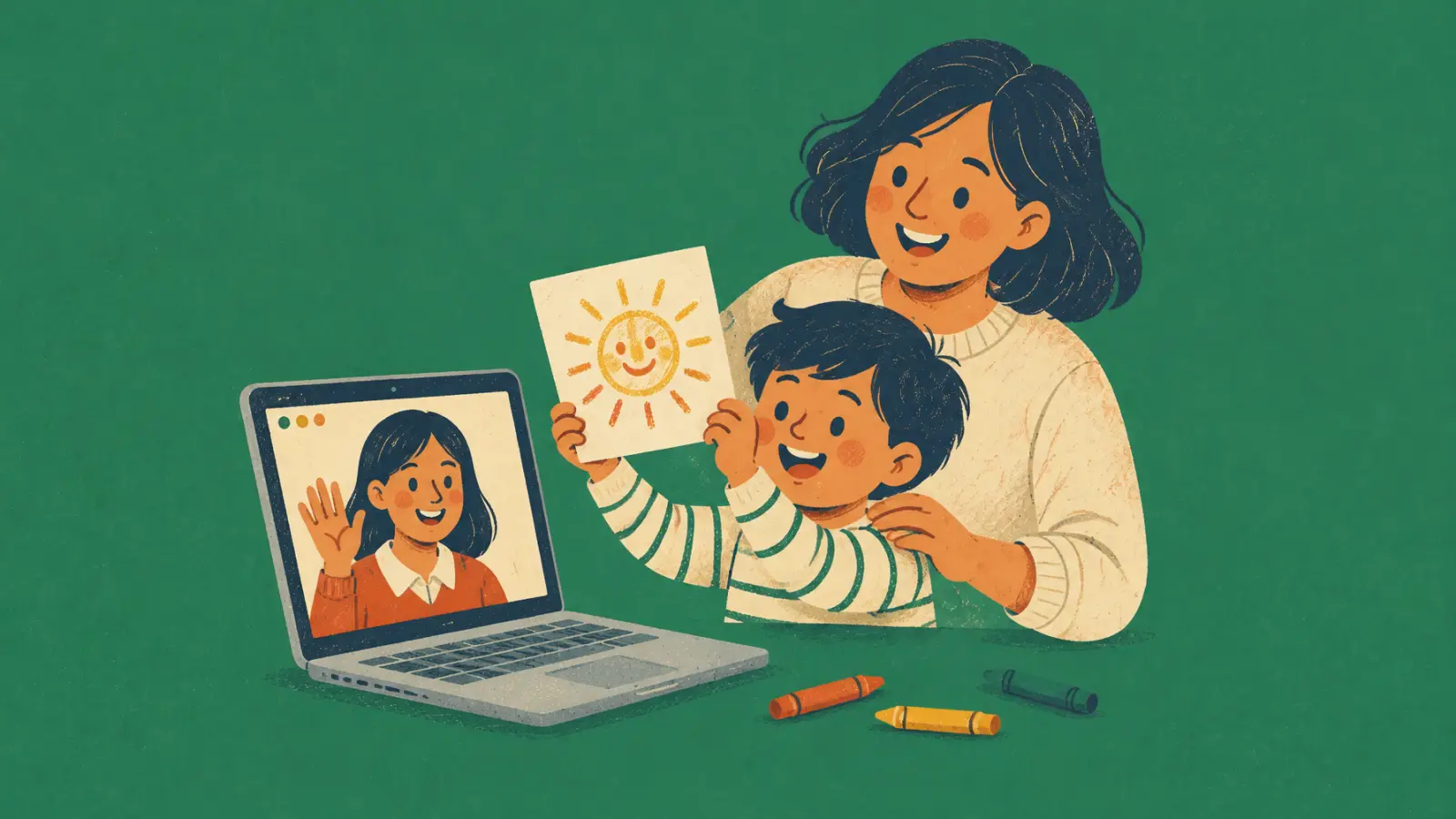
How long should an online lesson for kids be?
It depends on age: 15 to 20 minutes for ages 3 to 5, 25 to 30 for ages 6 to 8, 30 to 45 for ages 9 to 12 and 45 to 60 for teenagers.
| Age | Lesson length | Format that works |
|---|---|---|
| 3 to 5 | 15 to 20 minutes | One-to-one, with an adult beside them. Songs with gestures, puppets, pictures and lots of movement. One small goal per lesson. |
| 6 to 8 | 25 to 30 minutes | One-to-one or in pairs. Games, stories with pictures, drawing and short reading. An adult at home, close by. |
| 9 to 12 | 30 to 45 minutes | One-to-one or small groups. Games with points, short projects, and reading and writing about what they like. |
| 13 to 17 | 45 to 60 minutes | Much like adults, with topics they care about: series, games, music, exams. They can join the call on their own. |
These are suggestions from our own lessons, not a rule: watch the child, not the clock. With the youngest, keep in mind that the WHO recommends no more than one hour of sitting screen time a day for children aged 2 to 4, and says less is better.
A lesson routine that keeps kids focused on screen
Children follow a routine better than a plan. Open and close every lesson the same way, teach the new language first and finish with a game.
- Start with the same greeting or song every lesson, so the child knows the lesson has begun.
- Teach the new words or structure in the first minutes, while attention is highest.
- Alternate lively activities (moving, guessing, racing) with calm ones (drawing, listening to a story).
- Get them off the chair: "Find something blue", "Touch your nose", "Show me your favourite toy".
- End with a game and the same goodbye, then tell them what comes next time.
This follows the British Council's advice on teaching young children: lots of short activities, lively ones followed by calm ones, the main language input at the start and a game at the end.
Online activities that work with kids
Use what the screen does well: things from home, shared drawing, games with points and stories with pictures.
- Show and tell: the child brings a toy, a pet or a drawing and tells you about it.
- Treasure hunt at home: "Bring me something you can eat" or "something smaller than your hand".
- Draw and guess on a shared whiteboard: you describe, they draw, then the other way round.
- Games with points: guessing games, quizzes or hangman with the score on screen.
- Picture stories: show a picture, ask what happens next and let them finish the story.
- Songs with gestures for the youngest, sung together with the camera on.
For more ideas, see our ESL games for one student. If the child is new, send the parent the parents' version of our needs analysis questionnaire first.
How to communicate with parents
The parent books, pays and decides whether the child continues. Agree on the rules before the first lesson, then keep them informed with short, regular updates.
- 1
Talk to the parent before the first lesson
Ten minutes on the phone or by video: goals, school level, exams, what the child enjoys and how they want to hear from you.
- 2
Send your rules in writing
Price, packs, how to cancel, who sets up the device and whether an adult stays nearby. One message they can read again later.
- 3
Send a short note after each lesson
Three lines: what went well, what to practise at home and the next date.
- 4
Send a progress report every month
Or every 10 lessons: what the child can do now, what you'll work on next and how they can help at home.
- 5
Talk about what's next before the pack runs out
A week before the last lesson, suggest the next pack or term, so the lessons don't stop by accident.
Our student progress report template has comments written for parents and a 3-line note you can copy.
Safety and privacy in online lessons with kids
Keep the lesson visible to the family: one fixed link sent to the parent, an adult nearby for young children, no private chats with the child and no recording without consent.
- Send the lesson link to the parent and use the same one every time.
- Ask for the lesson to happen in a shared room, not a bedroom, with an adult at home.
- Message the parent, not the child. With teenagers, agree with the parents how you'll contact them.
- Record a lesson only with the parent's written consent, and say what it's for and where you keep it.
- Don't post a child's photo, voice or work without the parent's written consent.
If you teach in Spain, two laws apply. A child under 14 can't consent on their own to the use of their data: a parent or guardian has to (LOPDGDD art. 7). And anyone whose work involves regular contact with minors needs a negative sexual offences certificate (LOPIVI art. 57), which you can request online.
For the privacy notice and the consent text for parents, see our tutoring contract and GDPR guide.

Parents in the loop, without the messages
Keep each child's lessons, notes, packs and payments in SmartCookie, and let the family check the next lesson in the student portal.